
It’s true. There is only 50mm separating you from the photos you always wanted to take. Of course it is a 50mm prime lens that is between you and your goal. All the happy owners of this wonderful lens will testify on its behalf as to how their skill where strengthened by this marvel.
Photoshop Makeovers

So there you are, taking rather fantastic photos, and then, one day, you realise that everyone else seems to be getting better results. Unfair? Possibly. Or perhaps they’re just handier in Photoshop. Like my old friend Maxwell. I recently came across three of his photo-shopped portraiture sessions (one, two, three), and was rather impressed.
For the purpose of this article, let’s shelve any reservations you might have about the ethics of photoshopping the hell out of a portrait or fashion image (you’ve all seen this video, right?), and have a look at how it can be done. As a wise old man once told me, only if you have the skills to do something do you have the skills to choose not to do it…
Maxwell graciously accepted the challenge to talk us through how he edits his portraits, and is using a photo of himself to go through the process… Take it away Max!
Western Cape Interclub Photographic Competition 2009
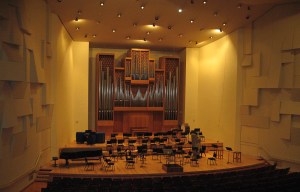
The annual Western Cape Interclub Photographic Competition will be taking place on Saturday 31st October, 2009, from 6pm, at the Endler Hall, Conservatoire, University of Stellenbosch in Stellenbosch. Photographic clubs from the region will be displaying their best prints and digital images during the course of the evening. Drinks and snacks will be served between 6pm and 7.30pm, when the digital show starts in the auditorium. Tickets are R50 per person (drinks and snacks included), and can be booked via e-mail from nettie28@iafrica.com. You are very welcome to attend!
2009 September Competition Winners
Here are the winners of the September competition for which the set subject was Little Bits of Big Things.
Please note that only digital images are available for display.
Prints
Set Subject
- Bit of the Biggest Dune
Paddy Howes - Bit of Big Windows
Paddy Howes - Dust to Dust
JJ van Heerden
Open
- Starlight Painting
Paddy Howes - Gariep Sunset
JJ van Heerden - Quiver Tree Sunrise
JJ van Heerden
Projected Images
Set Subject
- If Looks Could Kill
JJ van Heerden - Dew Drops
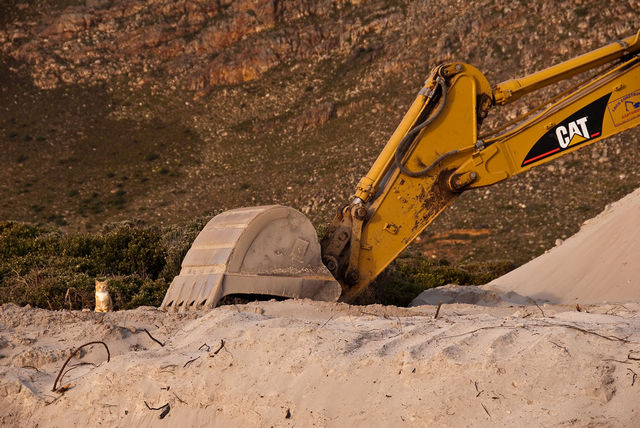
Elsa van Zyl - A CAT
Roger Lee


Open
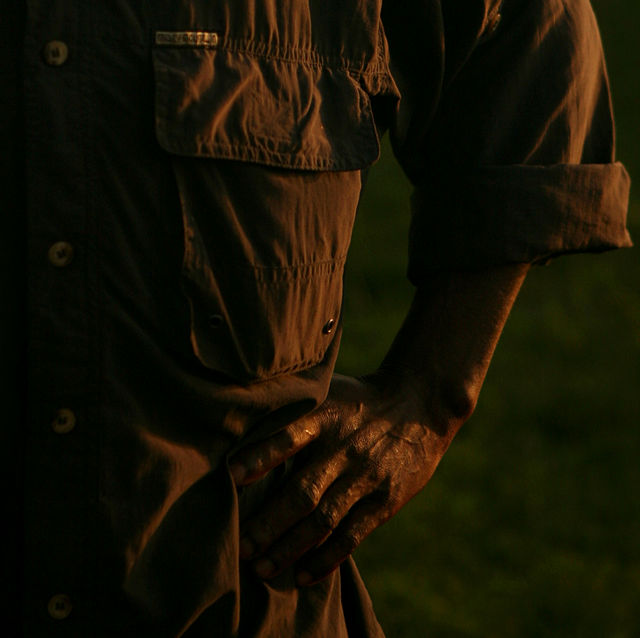
- Morning Shift
Marthinus Retief - Glare
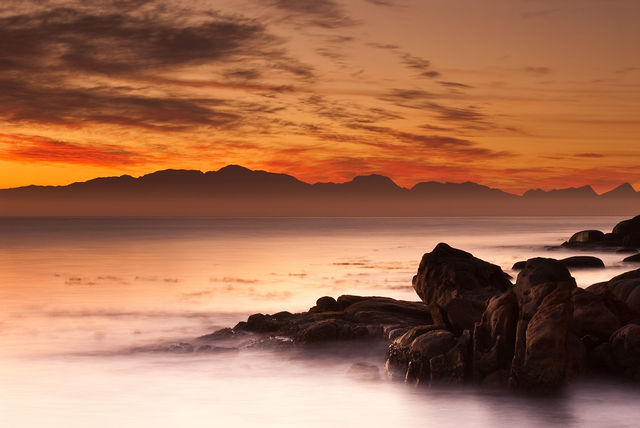
Nicole Palmer - Dawn Light
Roger Lee

Print photos with date taken or other EXIF data
I use FastStone Image Viewer for viewing images and performing simple edits, resizing, etc. but this tip I just found is not something I’ve tried before. You might find it useful. The tokens shown in step 3 are just an example. Play around with the different options to arrive at your desired result.
- Launch FastStone Image Viewer
- Open photo directory
- Create > Contact Sheet Builder > Caption > click "…" at top right > EXIF DateTime ($Hx) > Date and Time ($H1)
- Save the output to a file (PDF, TIF, PNG, GIF, BMP, and JPG supported) or send directly to printer.
From TinyApps.Org
Fujifilm On Line Editor Price List
At our last meeting JJ van Heerden gave a presentation on book and other printing services provided by FujiFilm. As requested he has provided a list of prices that can be accessed in PDF format using the following link.
7 Photography Projects to Jumpstart your Creativity
Let’s face it, no matter how much we take our camera out, there’s only so many pictures we can take of our kids, pets, house and garden before we start itching to shoot something else… but what?
Hopefully this list of projects you can undertake will inspire you to find something creative to shoot.
Expose to the Right

“Expose to the right” is an expression that you may have heard before, but my experience has been that most folks don’t understand what it means or how how to do it.
Overberg Photographic Workshop

Join Wicus Leeuwner & JJ van Heerden on the
Overberg Photographic Workshop
The workshop is aimed at photographers wishing
to find a creative way of improving their photography
by using artistic and design principles.
Both Beginners and Experienced Photographers
will benefit.
The workshop is presented in a relaxed, informal
atmosphere, allowing individual freedom of expression!
Click on the link below to read more about the workshops
www.agape.co.za/overberg
For bookings and further information contact
Johan on 023 6251 593
or e-mail johanvanzijl@telkomsa.net
How to test a lens
Lens testing is fun and informative. While it won’t turn you into a Cartier-Bresson, it will have a visible impact on your photography too: if you understand the way your lenses behave, you’ll be able to make the most of them under all circumstances. For example, you might have one lens that you know to work well across the entire aperture range, and another that’s otherwise OK but starts to break down wide-open at maximum tele. Knowing this, you could make the intelligent decision to use the first lens wide-open for a shorter shutter speed, to minimize camera shake — but stop down the second lens, risking camera shake to get rid of the lens softness, or bumping up the ISO a notch, knowing that the added noise will hurt less than the lens softness.
 Helderberg Photographic Society