

Mastering the Art of Panning and you can end up with some eye catching images. Discover how to do it with these tips.
Take Better Self-Portraits
Photography: Take Better Self-Portraits
Nathan Marx at Digital Photography School has put together a great tutorial on getting started with self portraiture. The tutorial covers basic tools you’ll need and ways to make life easier when photographing yourself without an assistant to man the camera, like using a remote and tethering your camera for better feedback
The Making of a Seven Gigabyte Eight Foot Wide Print

Exposure Fusion: What is it? How does it Compare to HDR? How Do I Do It?
Exposure Fusion: What is it? How does it Compare to HDR? How Do I Do It?
‘Less is more’, or so the saying goes. But in this case, I guess its true; less effort and less time equals more productivity and and better results, what more could one ask for? So from where I’m standing, Exposure Fusion looks to have everything going for it, and then some.
2009 March – Competition Winners
Here are the winners of the March competition for which the set subject was Energy.
Please note that only digital images are available for display.
Prints
Set Subject
- Taken by the Flow
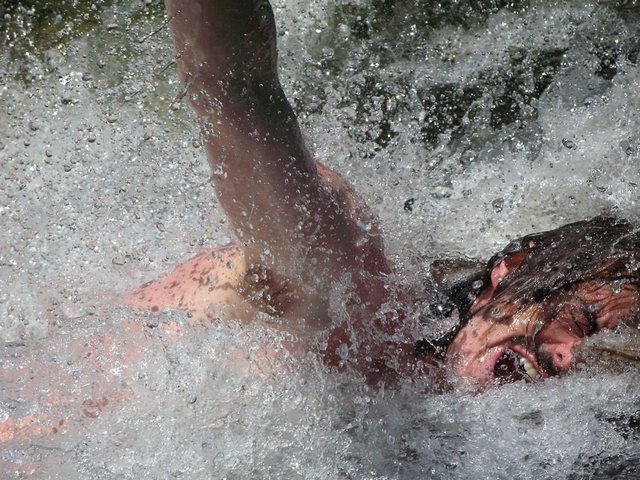
Brenda Botha - Crashing Through a Wave
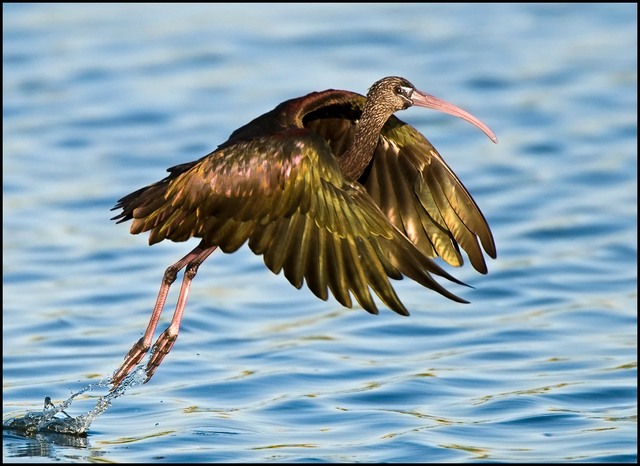
Neels Beyers - On Wings of Energy
Paddy Howes
Open
- King of the Dune
Neels Beyers - Time to Reflect
Paddy Howes - Storm Brewing
Neels Beyers
Projected Images
Set Subject
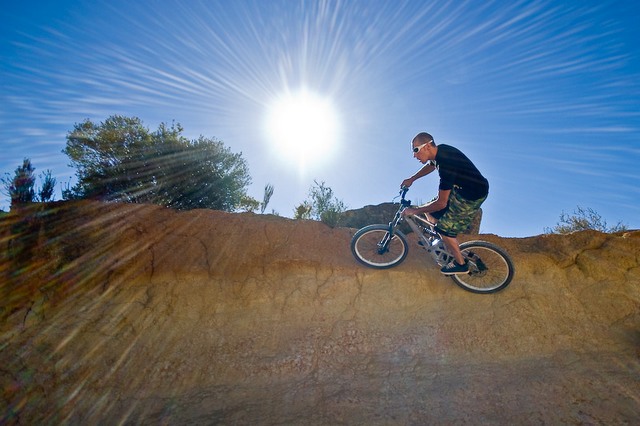
- Power from the Sun
Steve Crane - Energy Explosion!
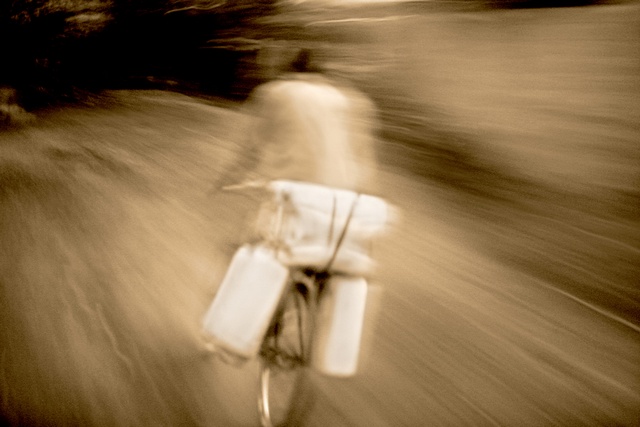
Jenny Simpson - African Rush Hour Delivery
Marthinus Retief
Open
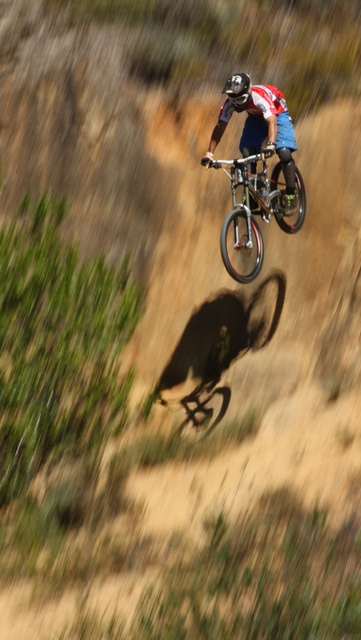
- Leap of Faith
Nettie Warncke - Untitled
Ernst Laubscher - New Life
Neels Beyers
Competition Meeting Wed. 11th Feb.’09
More than 50 members and guests arrived for our Competition Meeting, the set subject being ‘Energy’. After welcoming everyone, Nettie called on Marius Swart, and Pieter van der Westhuizen, who ‘Got their Feet Wet’ – each showing 5 favourite images. We look forward to seeing more of their work in competition and evaluation.
Paddy spoke about the Gansbaai/De Kelders outing on the weekend of 20 – 22nd March, and Irmel explained the audio visual program. Should you wish to go on the Gansbaai outing – even if it is only for Saturday when you will need to be at the De Kelders gate at 4pm – please call Paddy on 021 876 2136 as soon as possible.
The competition subject was a challenge! JJ mentioned that it was one of his toughest judging exercises, and he is thanked for his effort and input. The Open section was once again well subscribed, displaying a wide range of subjects. Steve will put up the results on this website.
After tea, JJ gave a technical talk on histograms and exposure. Members had been invited to bring along their cameras, and a practical session followed which was quite illuminating to some (eg. Me!) Thanks, JJ!
All in all it was a good meeting at which we welcomed a number of new members, explored creativity, and gained technical knowledge.
See you next time!
Nettie
Story of brave SA photographers to be told on screen
Story of brave SA photographers to be told on screen – South Africa – The Good News
The true story of four South African photographers who risked their lives to capture the harrowing political violence of the early 90’s will be told in a new feature film currently being co-produced by Canadian and South African filmmakers.
The story of the Bang Bang Club, as photographers Greg Marinovich, Kevin Carter, Ken Oosterbroek and Joao Silva were then known, was first recounted in a semi-autobiographical book written by the surviving Club members, Silva and Marinovich.
Don’t forget …
to get your images in to Steve by 6pm this evening (Tuesday 10th March). Send them to helderbergphoto+entries@gmail.com. You will receive notification that your images have been passed on to Steve. Please check the ‘How to’ tab to find out exactly how to size and label your images. If you are late, or your images are incorrectly sized or labelled, they will not be shown tomorrow night.
Also …. please remember to bring your cameras for a pracitical session with JJ, after tea.
See you on Wednesday evening for another bumper evening… Nettie
Cape Photographers Congress 2009 at Tsitsikamma
We received this note about the upcoming Cape photographers congress.
Dear fellow photographer
Enclosed is the registration form for the 2009 Cape Photographers Congress to be held at the Tsitsikamma National Park, Storms river together with the programme (subject to change).
Please note the additional sheets in the registration form containing all the detail for accommodation etc. and book this directly as indicated.
Best regards
Roel Van Oudheusden
Treasurer
Cape Photographers
PSSA Newsletter
Here is the March 2009 PSSA newsletter.

